ROS Service Client
The Follow Along Examples:
ROS Service Client <- you are here
Follow along: ROS Topic Subscriber Example
The program launching process along with parameter settings are all simplified and set up on the Jupyter Notebook Environment.
- Open the 02_01_ros_service_server.ipynb Jupyter Notebook
- Import the necessary python libraries and modules
- Follow and Execute the example codes
(The Jetson Board used for these examples are => Jetson Nano)
Open the following jupyter notebook:
02_01_ros_service_server.ipynb
To run the cells within the notebook use Ctrl + Enter
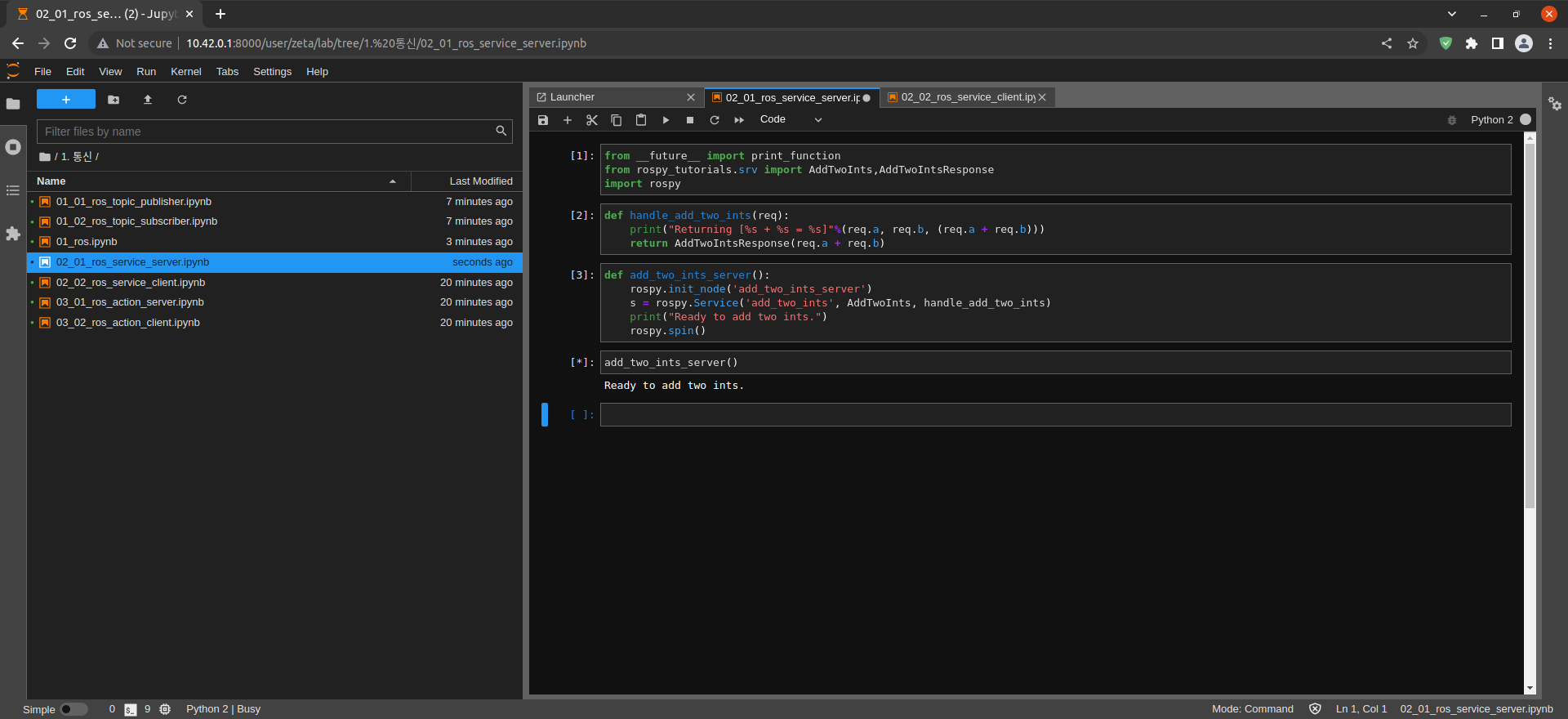
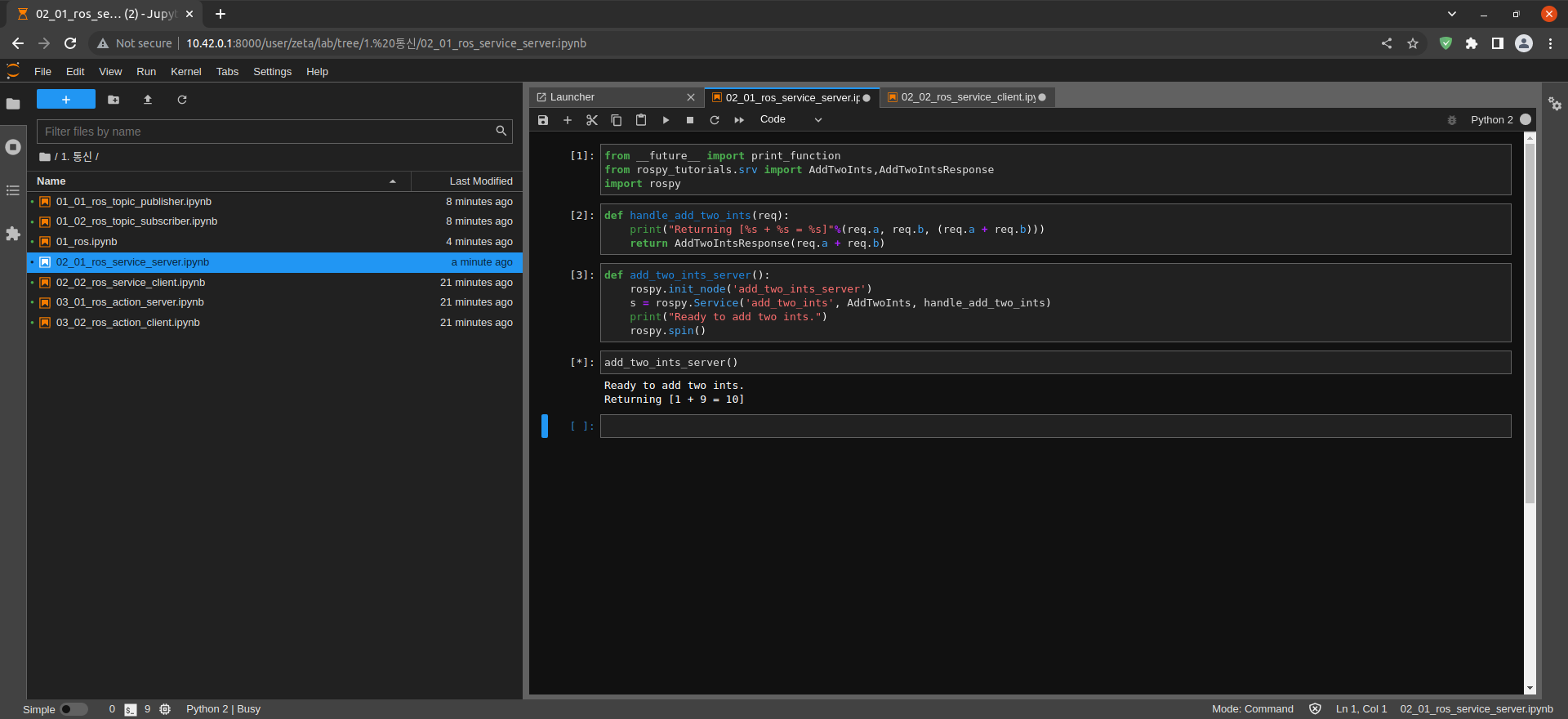
Import print_function from __future__ module for Python3 compatibility
Import AddTwoInts, AddTwoIntsResponse from rospy_tutorials.srv module
Import rospy modules
from __future__ import print_function
from rospy_tutorials.srv import AddTwoInts,AddTwoIntsResponse
import rospy
Create handle_add_two_ints() function
Output req.a, req.b, req.a + req.b
Return instances of req.a + req.b in AddTwoIntsResponse
def handle_add_two_ints(req):
    print("Returning [%s + %s = %s]"%(req.a, req.b, (req.a + req.b)))
    return AddTwoIntsResponse(req.a + req.b)
Create add_two_ints_server() function
Create add_two_ints_server Node
Create add_two_ints Service
def add_two_ints_server():
    rospy.init_node('add_two_ints_server')
    s = rospy.Service('add_two_ints', AddTwoInts, handle_add_two_ints)
    print("Ready to add two ints.")
    rospy.spin()
Execute the add_two_ints_server() function
add_two_ints_server()