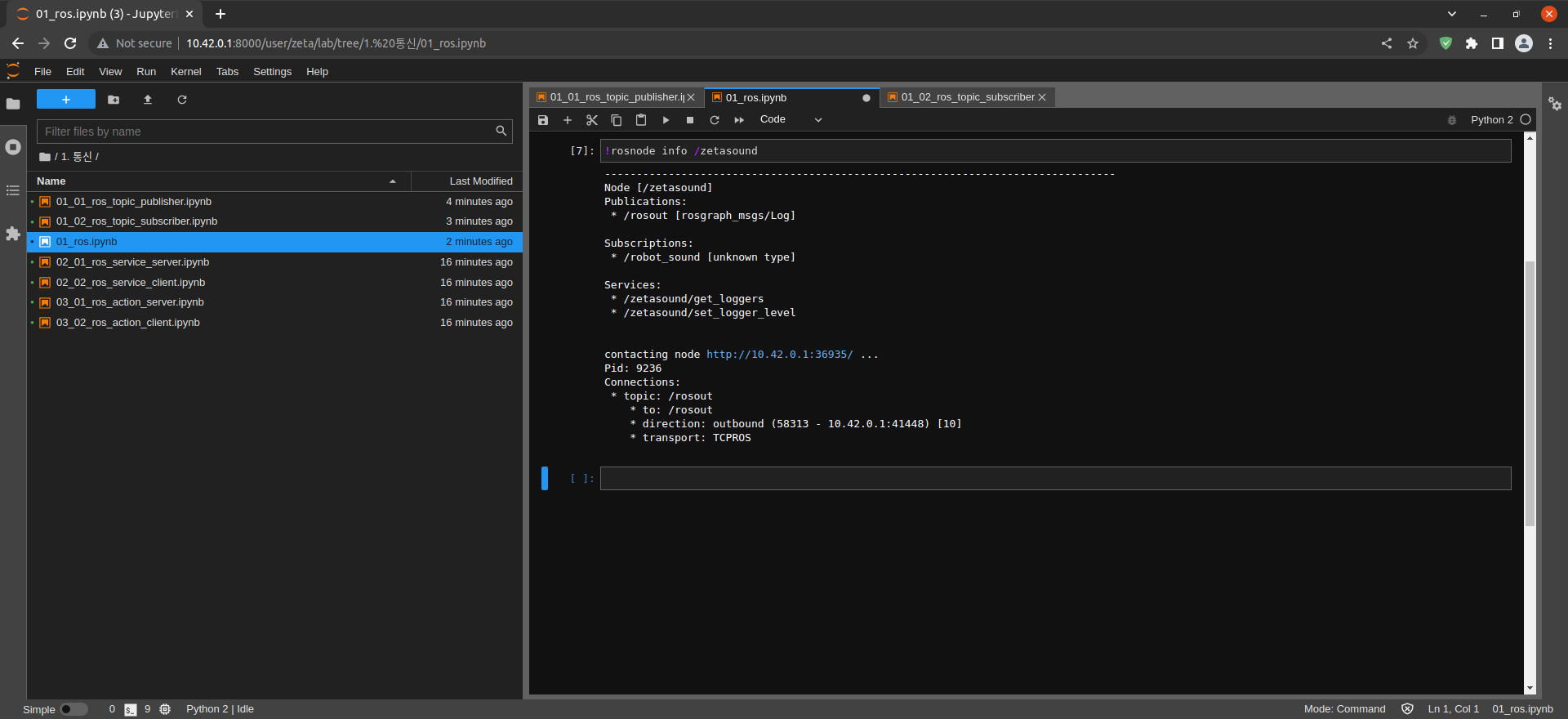
ROS Command Example
The Follow Along Examples:
ROS Command Example <- you are here
Follow along: ROS Command Example
The program launching process along with parameter settings are all simplified and set up on the Jupyter Notebook Environment.
- Open the 01_ros.ipynb Jupyter Notebook
- Import the necessary python libraries and modules
- Follow and Execute the example codes
(The Jetson Board used for these examples are => Jetson Nano)
Open the following jupyter notebook:
01_ros.ipynbipynb
To run the cells within the notebook use Ctrl + Enter
Run the first cell to output a list of currently running ROS Nodes
$ !rosnode list
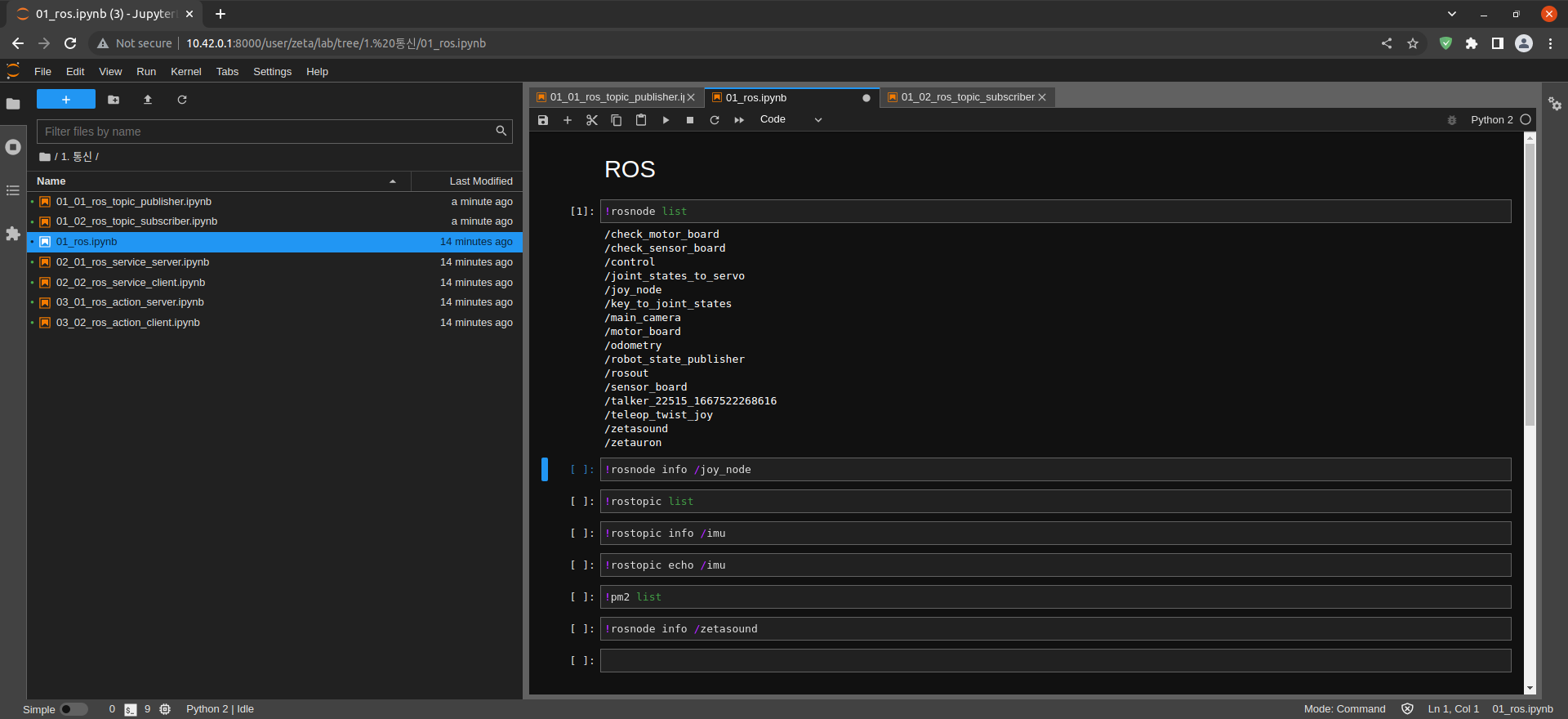
Outputs joy_node Print Node information
$ !rosnode info /joy_node
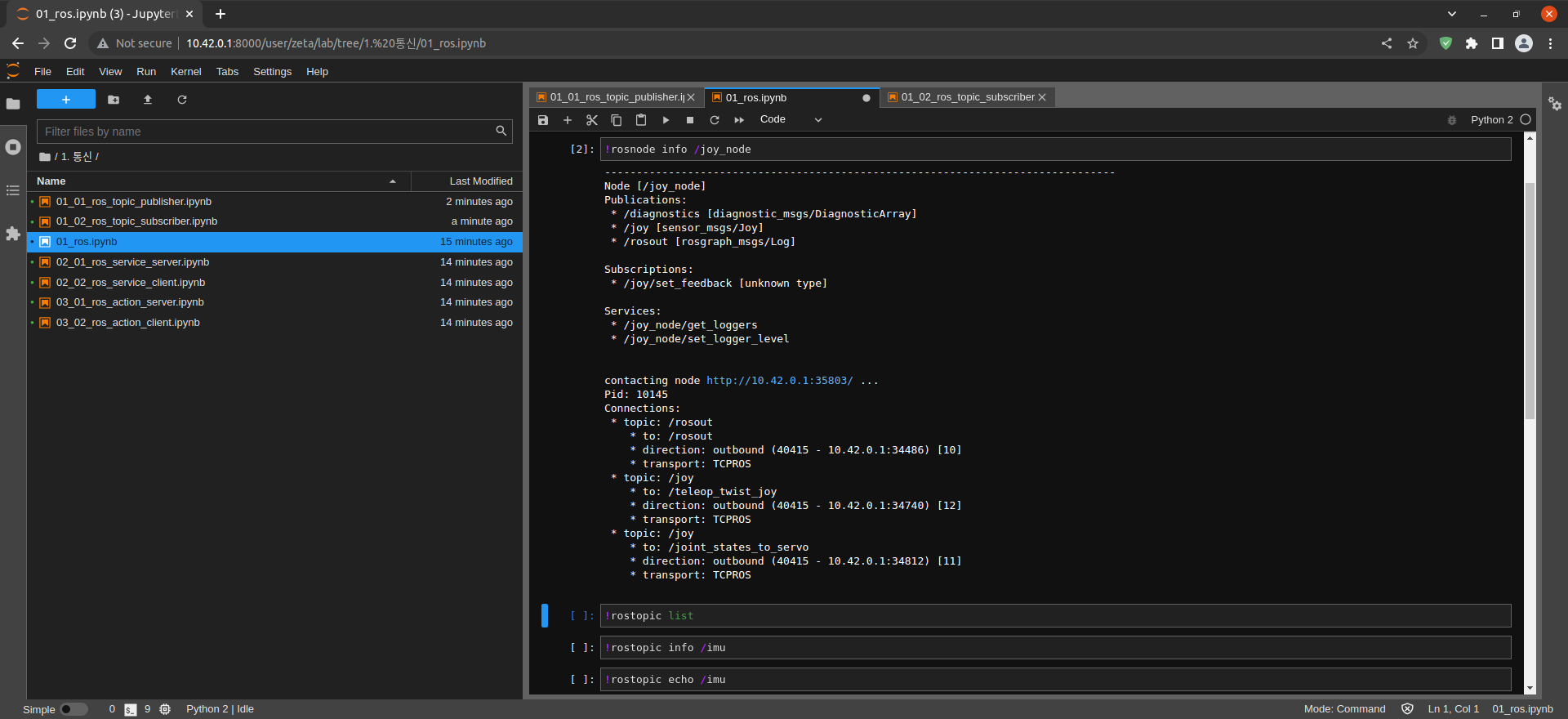
Prints a list of currently running ROS topics
$ !rostopic list
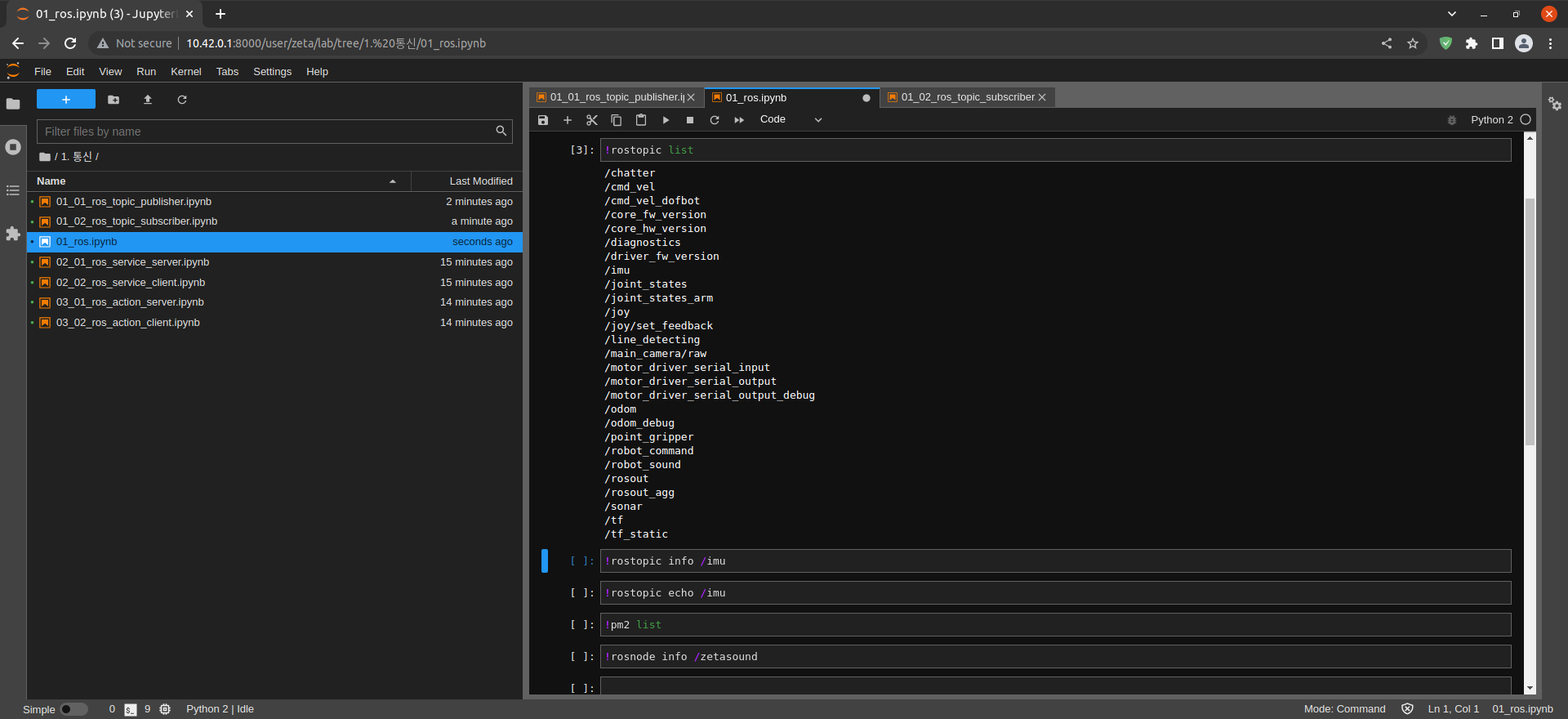
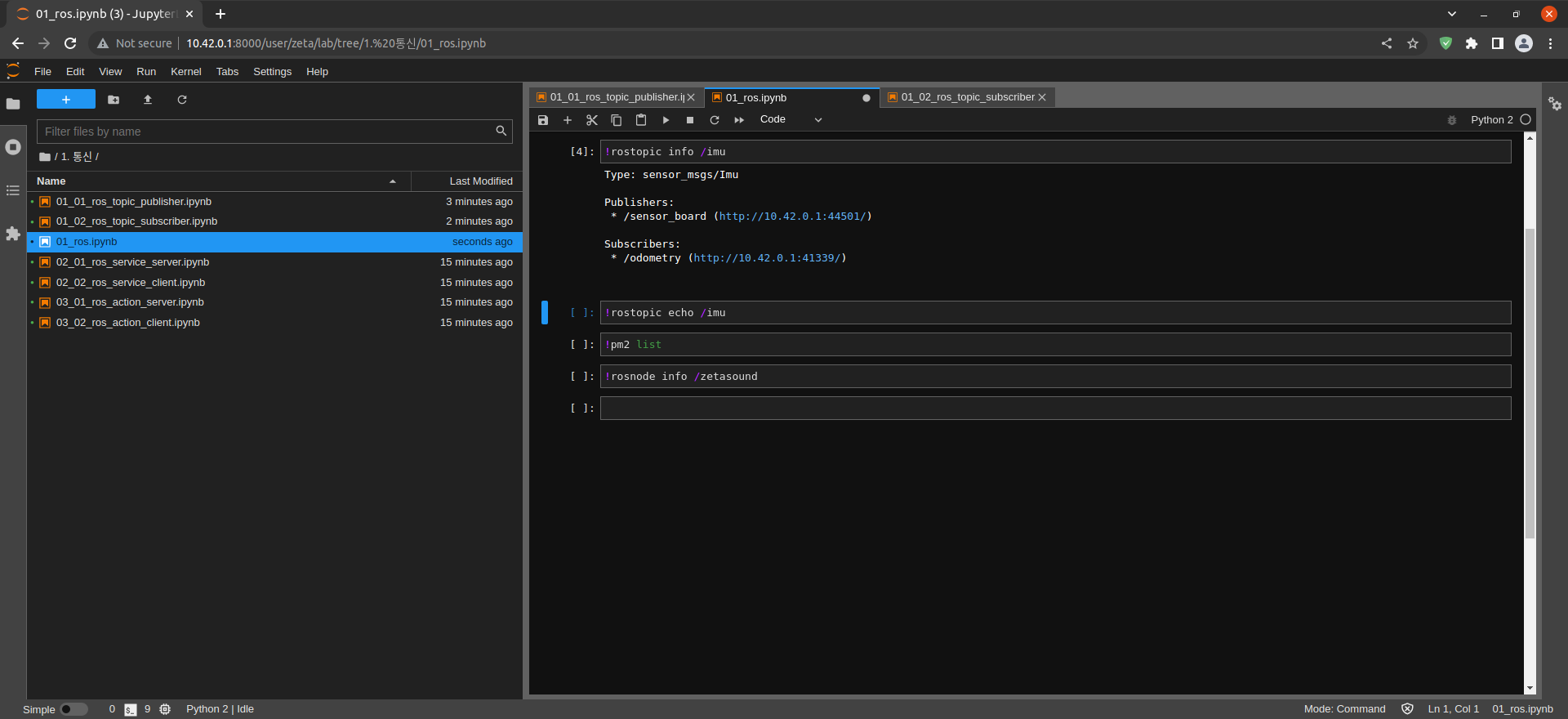
Output information of imu Topic
$ !rostopic info /imu
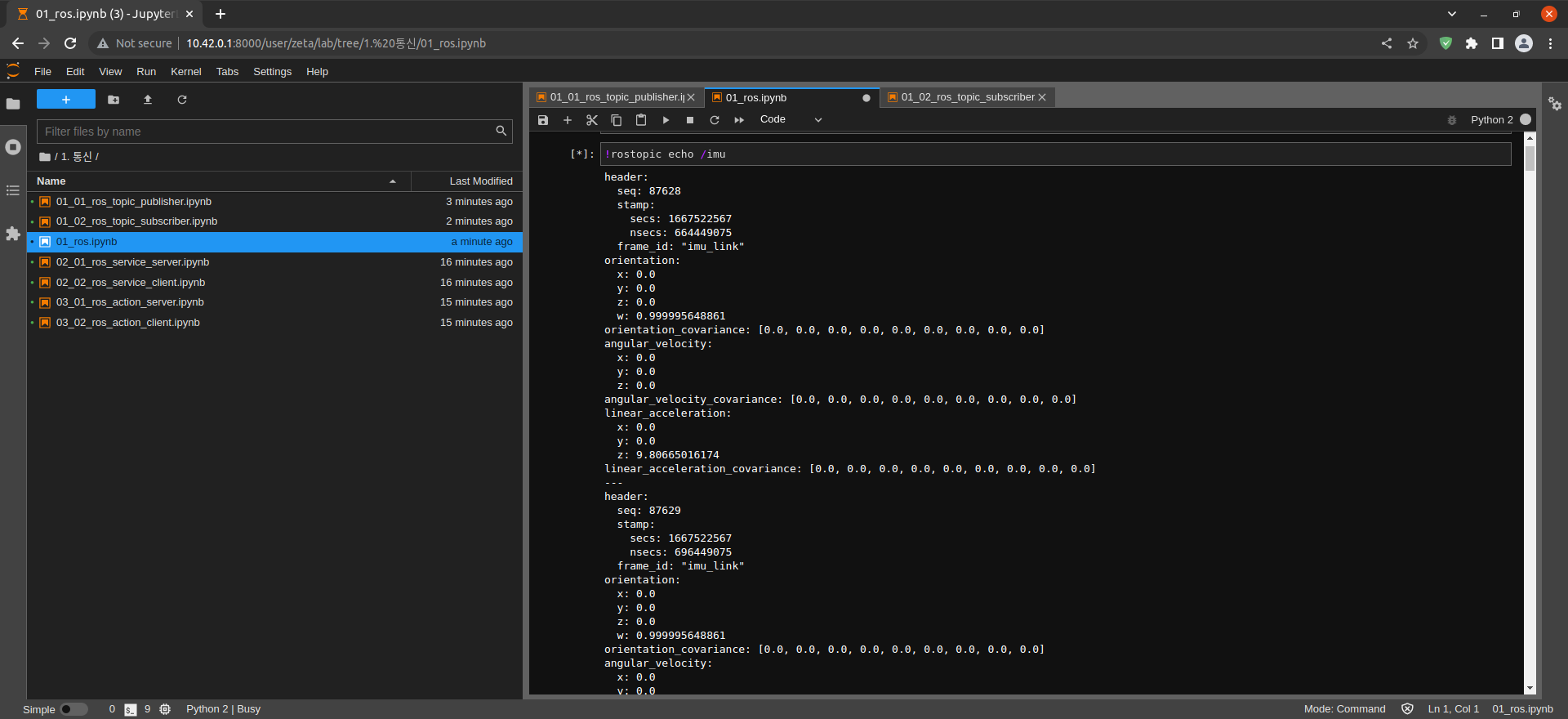
Print imu Topic Message
$ !rostopic echo /imu
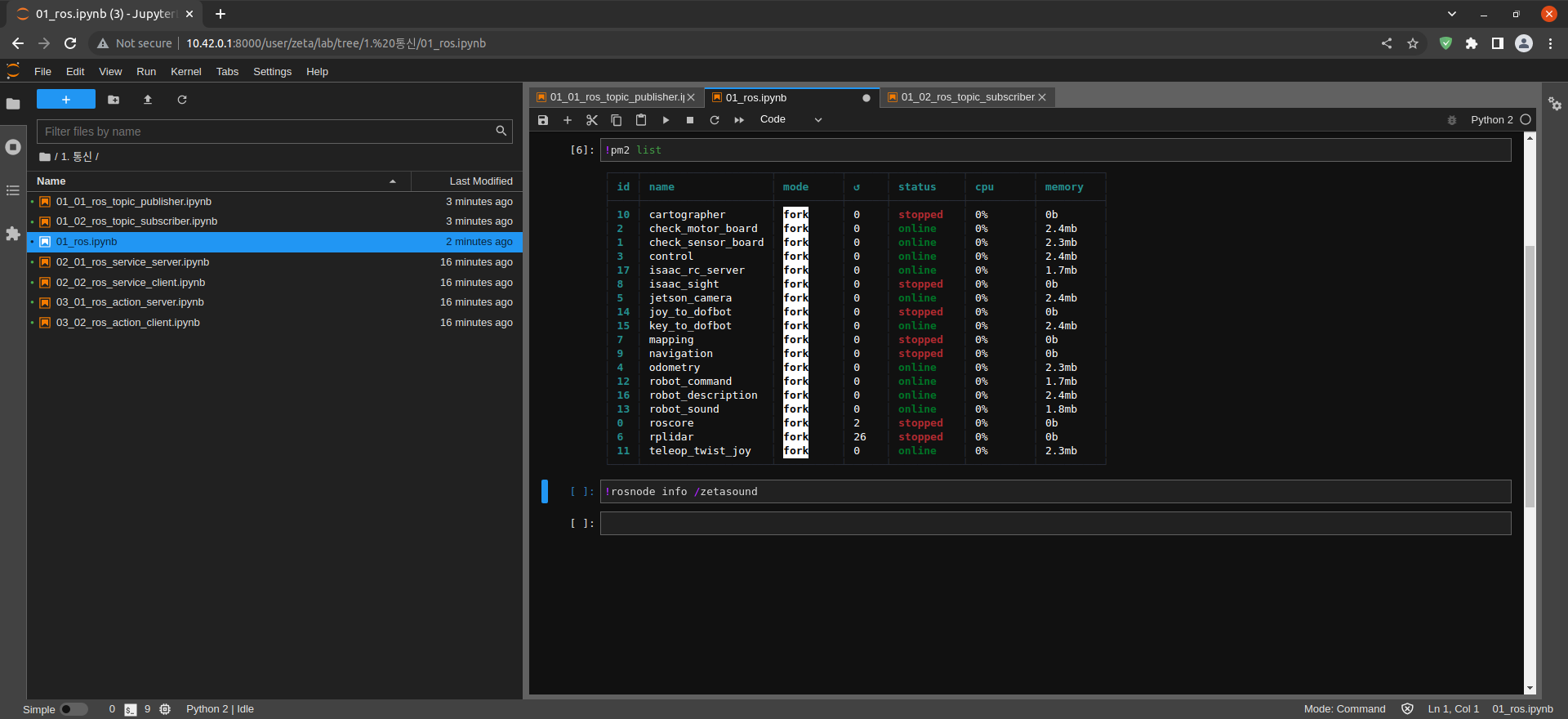
Check process list using pm2
$ pm2 list
Output information of zetasound Node
$ !rosnode info /zetasound