Mission
Project Name: Applying Navigation System on our Zetabot
- - This mission is a group project.
- - Construct a map within your team.
- - Navigate the contructed map with the Zetabot as a team.
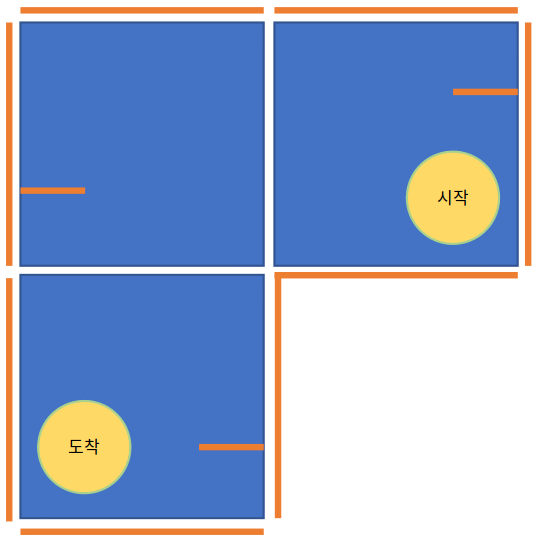
For each team, 3 map panels will be given.
As a team try to arrange the panels so that there is a clear starting and finishing zone. For example:
Select the Mapping button.
This will start the mapping simulation. Using SLAM method, the robot will utilize its LIDAR sensors as well as multiple odometry sensors to map out its immediate surroundings.
By using the controller, move the Zetabot around the constructed map to learn its surroundings.
Once the entire map is learned and constructed virually, save the map by pressing the
Save Map
Exit the Mapping Program without saving.
Exit the Mapping Menu
Press the Navigation button in the main menu. This will start the RViz application, whereupon the navigation will be conducted.
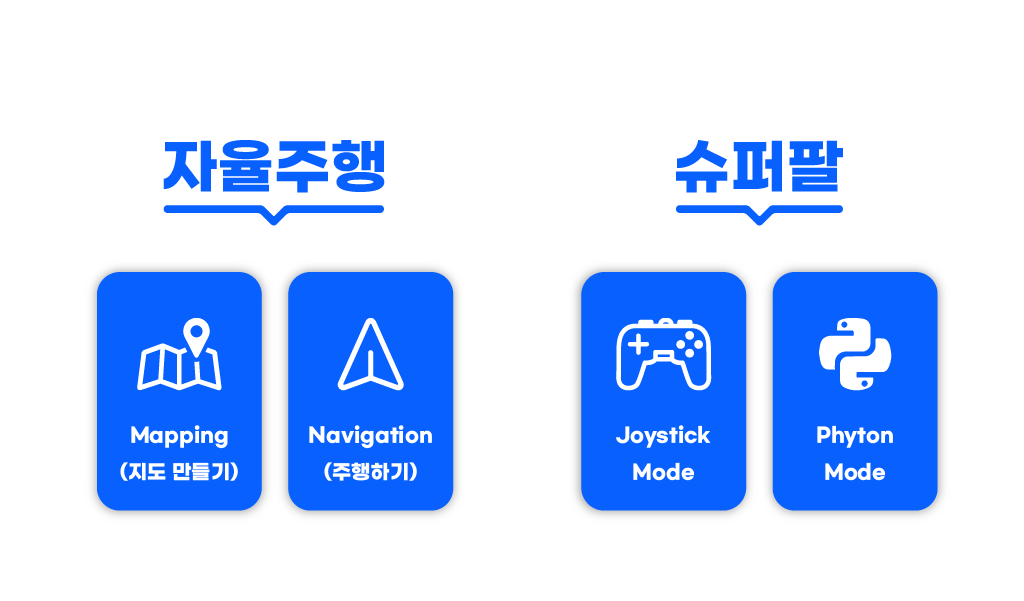
Press the
2D Pose Estimationto align the starting position of the Robot.Click on
2D Nav Goaland click the desired location and drag the curser to set which direction the robot should face once it reaches the said location.
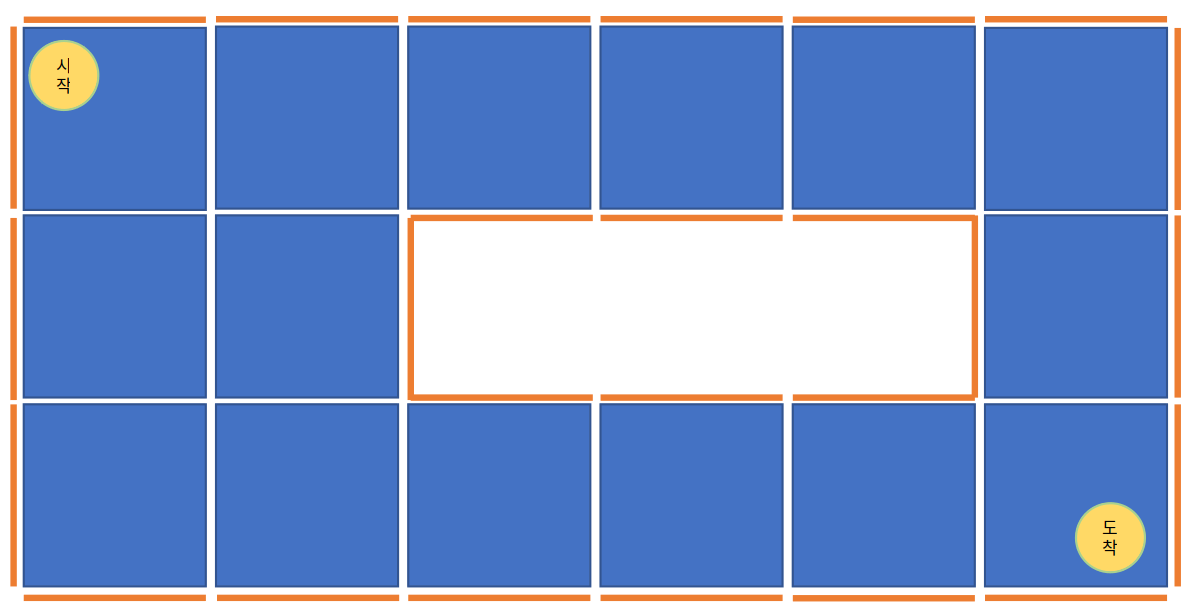
With other team members, construct a large map with starting and finishing position. Example:
Team by team, execute the navigation task with your Zetabot.
Constructing a Map (as a Team)
For our navigation mission, we we hold a cooperative mission with other teams.
Mapping the Constructed Map
Place the Zetabot on the starting location of the map.
On each of the Zetabot screen, the following will be displayed:
Executing Navigation
Place the Zetabot in the starting position.